

One selfie. Endless Halloween looks.
Most Halloween pages ask you to browse costumes you cannot try on. This one starts from the photo you already have. Upload a clear portrait, choose a look, and the image model rebuilds the wardrobe, makeup and scene around the same face.
The collection is deliberately small. Instead of fifty near-duplicate cards, there are tested looks with a real prompt behind each one. You can start from a preset, edit the prompt, or copy the prompt into another model.
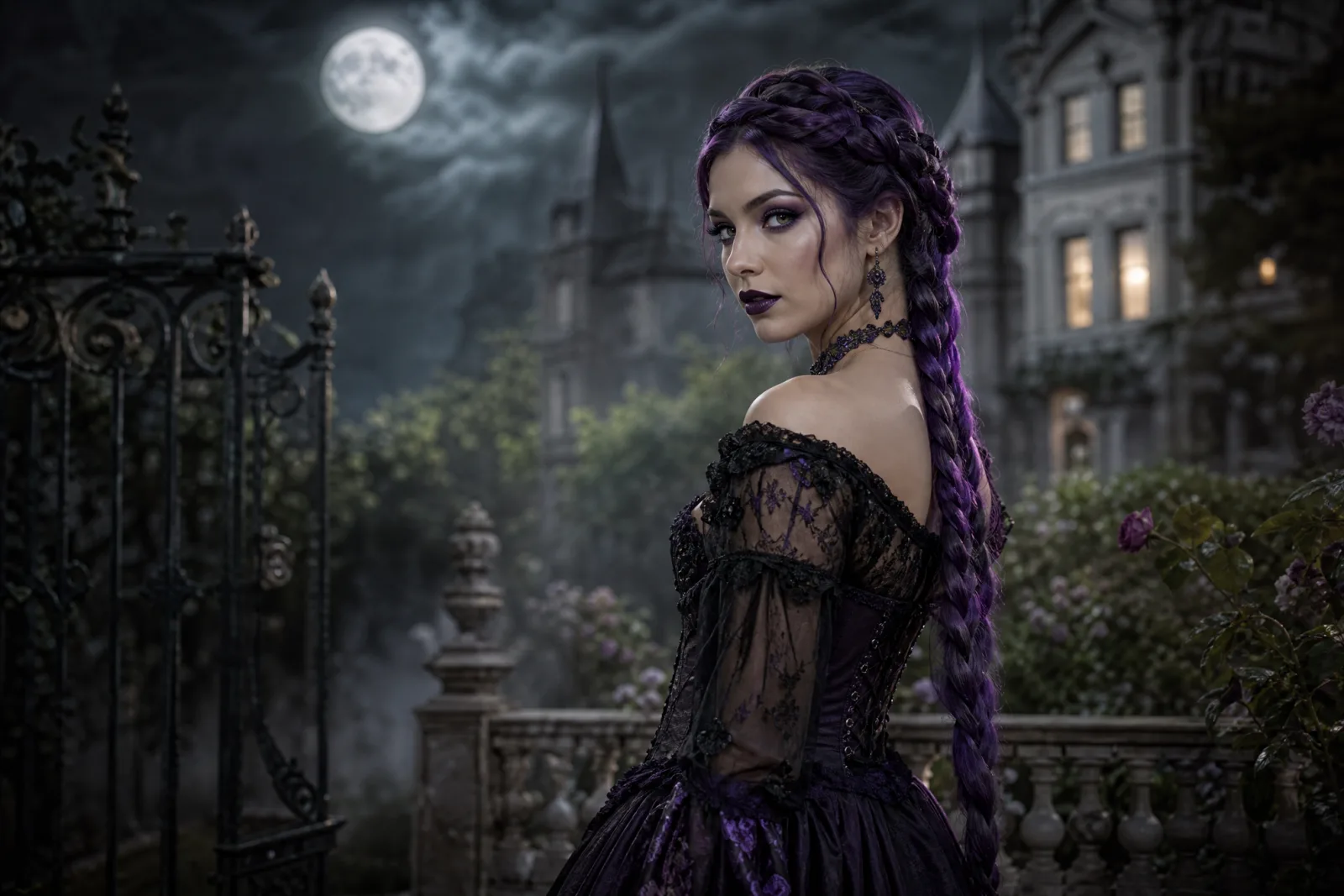
Midnight Braids
Violet braids, black lace and a moonlit Victorian garden.
Try this look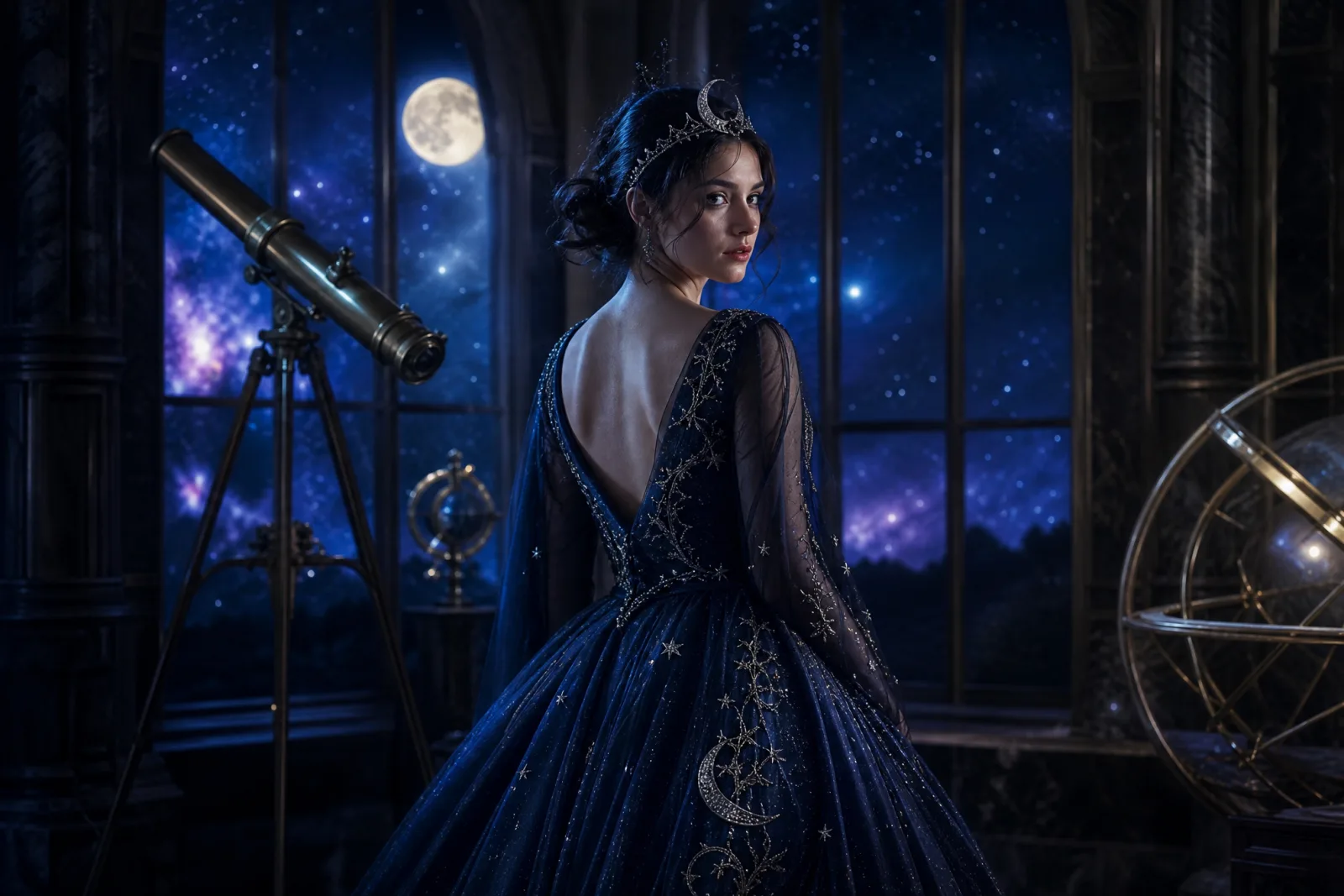
Cosmic Princess
A midnight-blue gown, silver crown and a starry observatory.
Try this look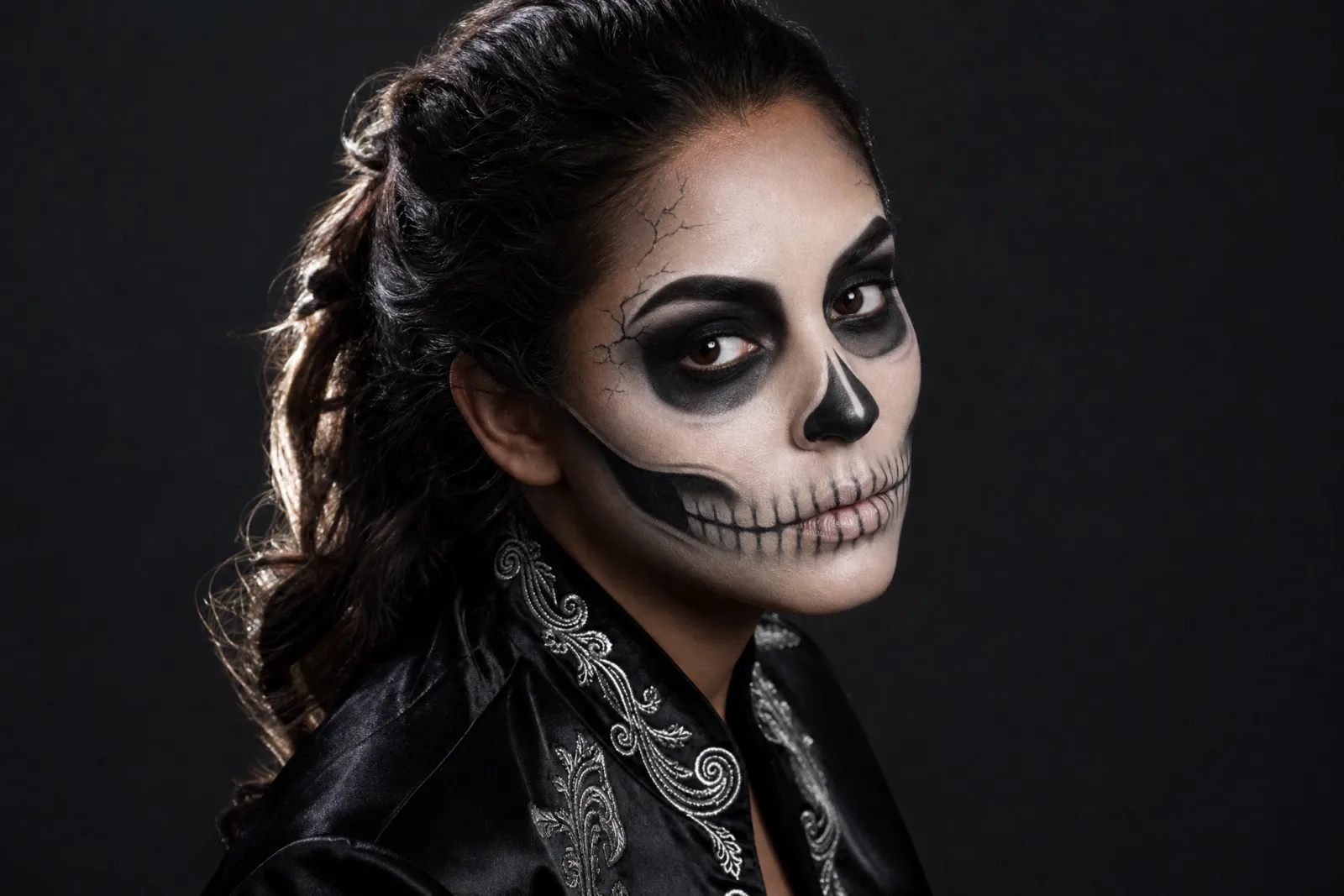
Skeleton Glam
Graphic skeleton makeup that still reads as a human face.
Try this look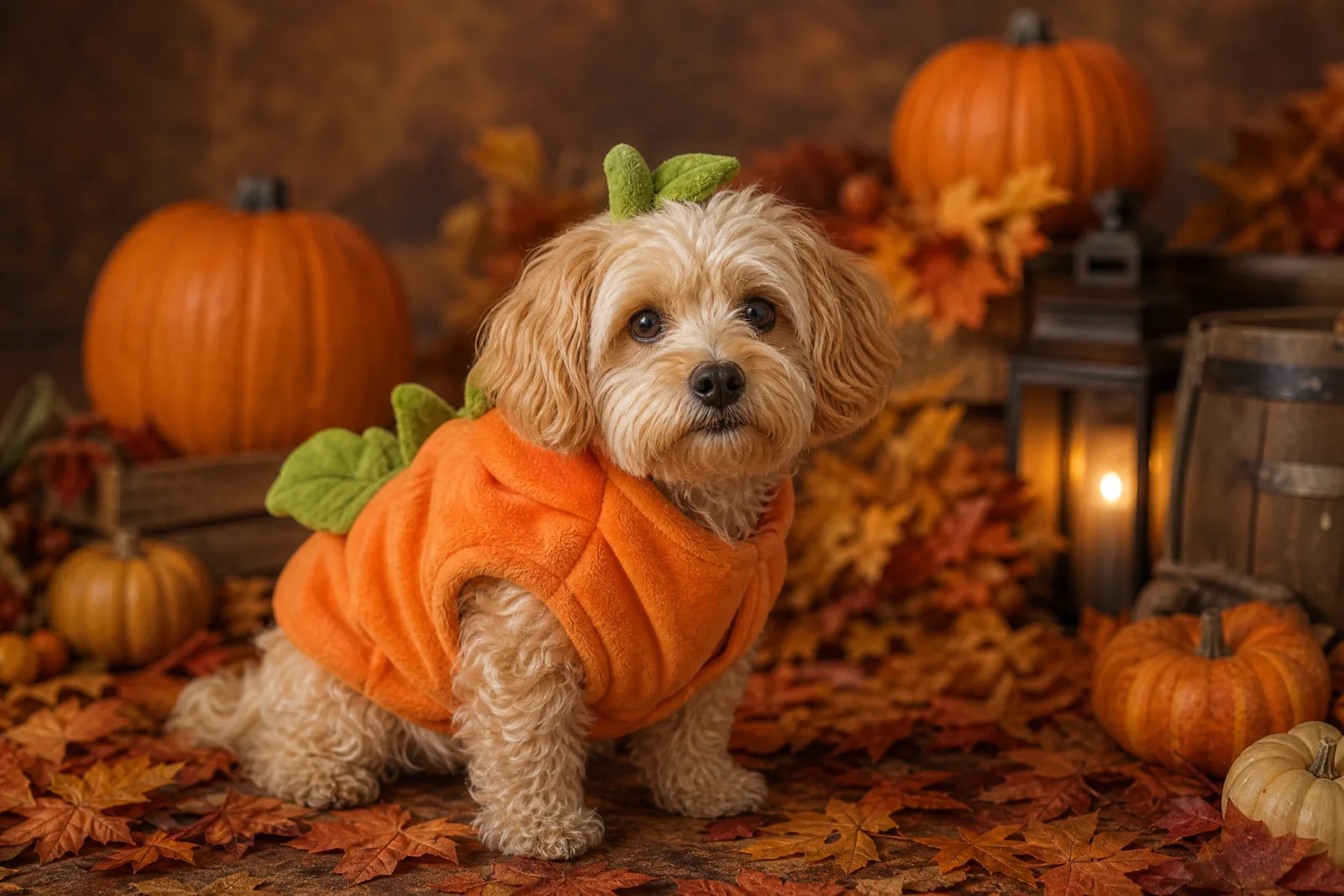
Pumpkin Pet
A soft pumpkin costume that keeps the pet comfortable.
Try this look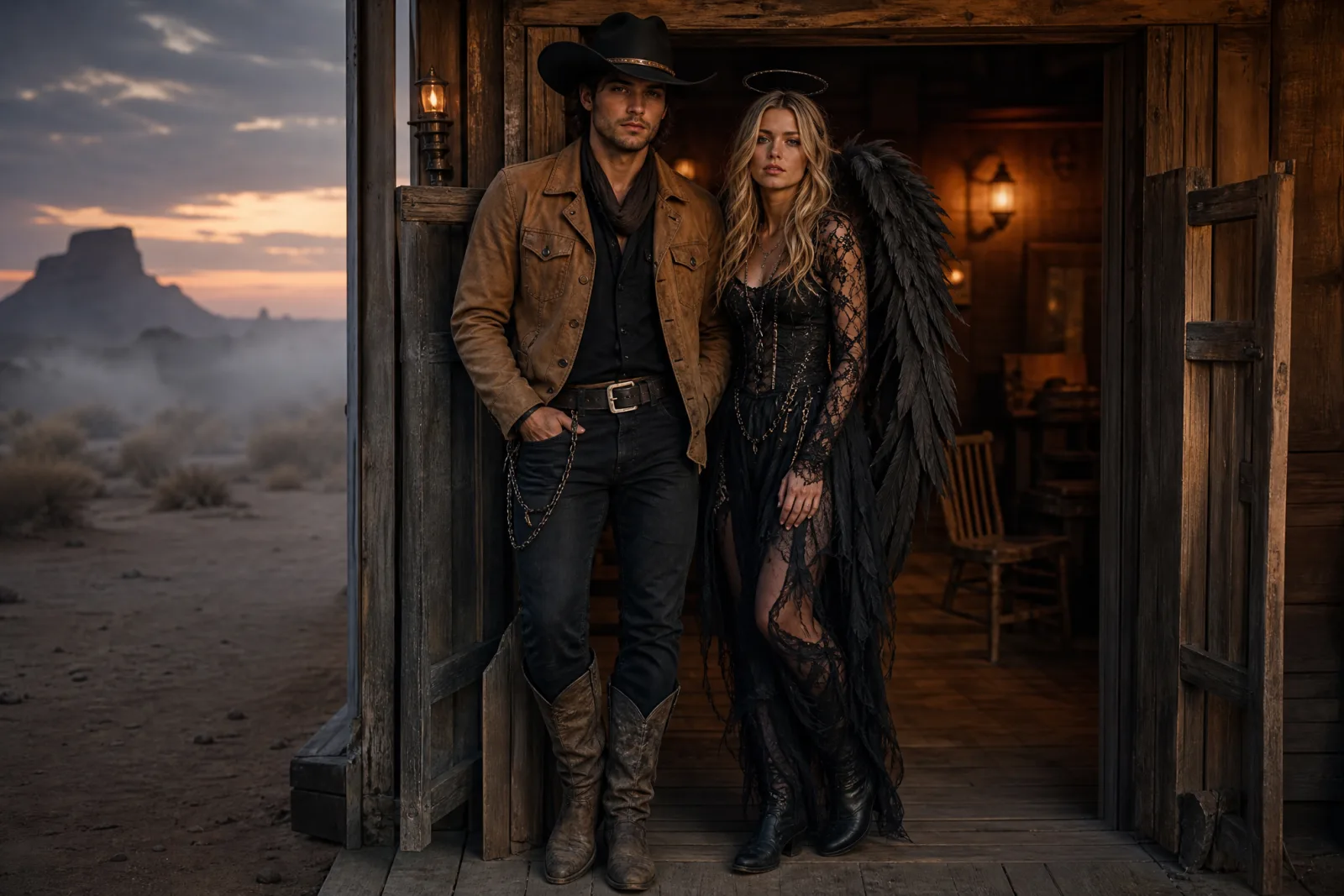
Cowboy & Angel
A coordinated couple look with both faces preserved.
Try this look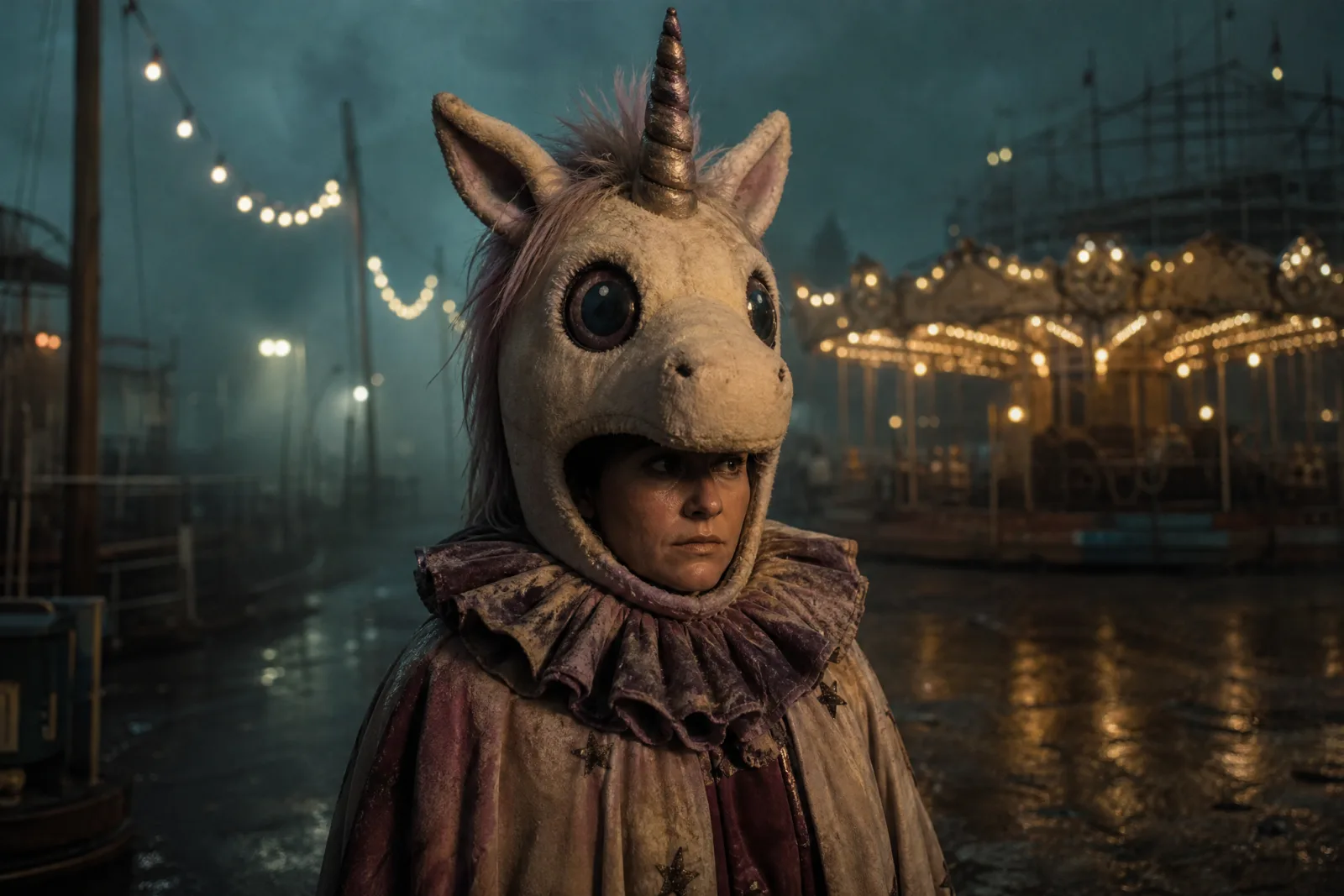
Haunted Unicorn
An original carnival-mascot unicorn, not a film copy.
Try this lookThree ways to use the collection
1. Photo looks
The AI Halloween costume generator is the main entry point. It takes a selfie and returns a photorealistic costume portrait. The Halloween photo editor is for photos you already like: it changes the costume, makeup or background without turning the image into a completely different scene. If you specifically want makeup rather than a full outfit, start with the Halloween makeup generator.
2. Video effects
A still image is often enough for a post. When it is not, the AI Halloween video generator animates the portrait. The reliable first move is small: a slow head turn, a few strands of hair moving, fog drifting through the background, and a gentle camera push. Five seconds is usually the right length for a TikTok or Reels cut.
3. Copy-ready prompts
If you already use Gemini, ChatGPT, Midjourney or another image tool, the Halloween AI prompts page gives you the full prompt text. Every prompt names what to preserve, what to change, the scene, the lighting, and the artifacts to avoid. That structure matters more than the word "Halloween".
What makes a good upload
The model can only preserve what it can see. A photo works best when:
- The face is clear. No sunglasses, no heavy shadow across the eyes, no extreme angle.
- The light is even. Window light or an overcast day is better than a single hard lamp.
- One person is in frame. For couples, use a single reference image with both people at a similar scale.
- The resolution is reasonable. A modern phone photo is enough. A screenshot of a screenshot is not.
- The expression is neutral or natural. A strong expression is fine, but the model will often keep it.
You do not need a blank background. The model can replace a living room with a Victorian garden. You do need a face that is not blurred or turned away.
What the model changes, and what it keeps
The presets follow the same contract: keep the face, skin tone, age and body proportions; change the hair, clothing, makeup and scene; keep the same number of people; avoid extra limbs, duplicated fingers and text. That contract is why the prompts are long. "Make me a witch" gives the model too much freedom. A usable prompt assigns every part of the image a job.
There are limits worth stating before you spend credits:
- No exact celebrity or film-character copy. The presets are original interpretations. A named actor or a specific film costume is both unreliable and a rights problem.
- No shopping. The tool creates an image, not a costume you can buy. Use the image as a preview, then source the pieces yourself.
- No guaranteed fit. Fabric, body shape and costume construction are generated. A real garment may look different.
- No automatic commercial clearance. Check the Terms and the model provider before publishing.
From image to video
Once you have a still you like, the video step is a separate, separately billed task. The motion prompt should describe only what moves and what must stay consistent. "A slow head turn toward the camera, hair moving slightly, fog drifting, camera pushing in slowly" is a better brief than a paragraph about the costume, because the costume is already in the image.
- Midnight Braids — AnimateA slow head turn, drifting hair and garden fog.
- Backrooms DriftA five-second liminal corridor push with flickering light.
- Pumpkin Pet — AnimateA tiny head tilt, ear twitch and a tail wag.
The AI Halloween video generator explains the full motion workflow, including what to do when the face warps or the background flickers.
Cost, before you commit
An image run on the default image lane costs 8 credits. Video is priced per second and varies by model, so the workbench shows the exact cost for the selected model and duration before you submit. Credit packs start at $4.99 for 50 credits, which is about six image runs. There is no subscription attached to the pack; the pricing page lists every lane.
A sensible first session is three image runs, not thirty. Generate one look, compare it to your photo, change one variable, and generate again. Changing the costume, the lighting and the camera angle at the same time teaches you nothing.
A ten-minute Halloween test
- Pick a preset that matches the costume you would actually wear.
- Upload a clear photo and run one image.
- Check the face first, then the hands, then the background.
- If the face drifts, shorten the prompt and remove anything that describes a different person.
- If the costume is right but the scene is wrong, change only the scene sentence.
- When the still is good, animate it with a small motion prompt.
- Download the image and the clip, and keep the prompt text with them so you can reproduce the look later.
That is the whole workflow. The rest of the collection exists to give you a better starting point than a blank prompt box: costume ideas for the trend list, pet costumes for animals, couple costumes for two people, the robot costume generator for the wearable-tech look, and the haunted unicorn generator for the mascot trend.