

A pet portrait is an identity problem
A pet costume image only works if the animal still looks like your animal. That sounds obvious, but most generic pet prompts focus on the costume and forget the breed, the fur pattern and the eye color. The result is a cute dog in a pumpkin suit that could belong to anyone.
The two presets here put the animal first. They preserve breed, fur color, distinctive markings, eye color, facial appearance and natural anatomy. The costume is added around that identity, not instead of it. The same logic applies to a cat, a rabbit or a bird: name the species and the markings you need to keep.
Two tested looks
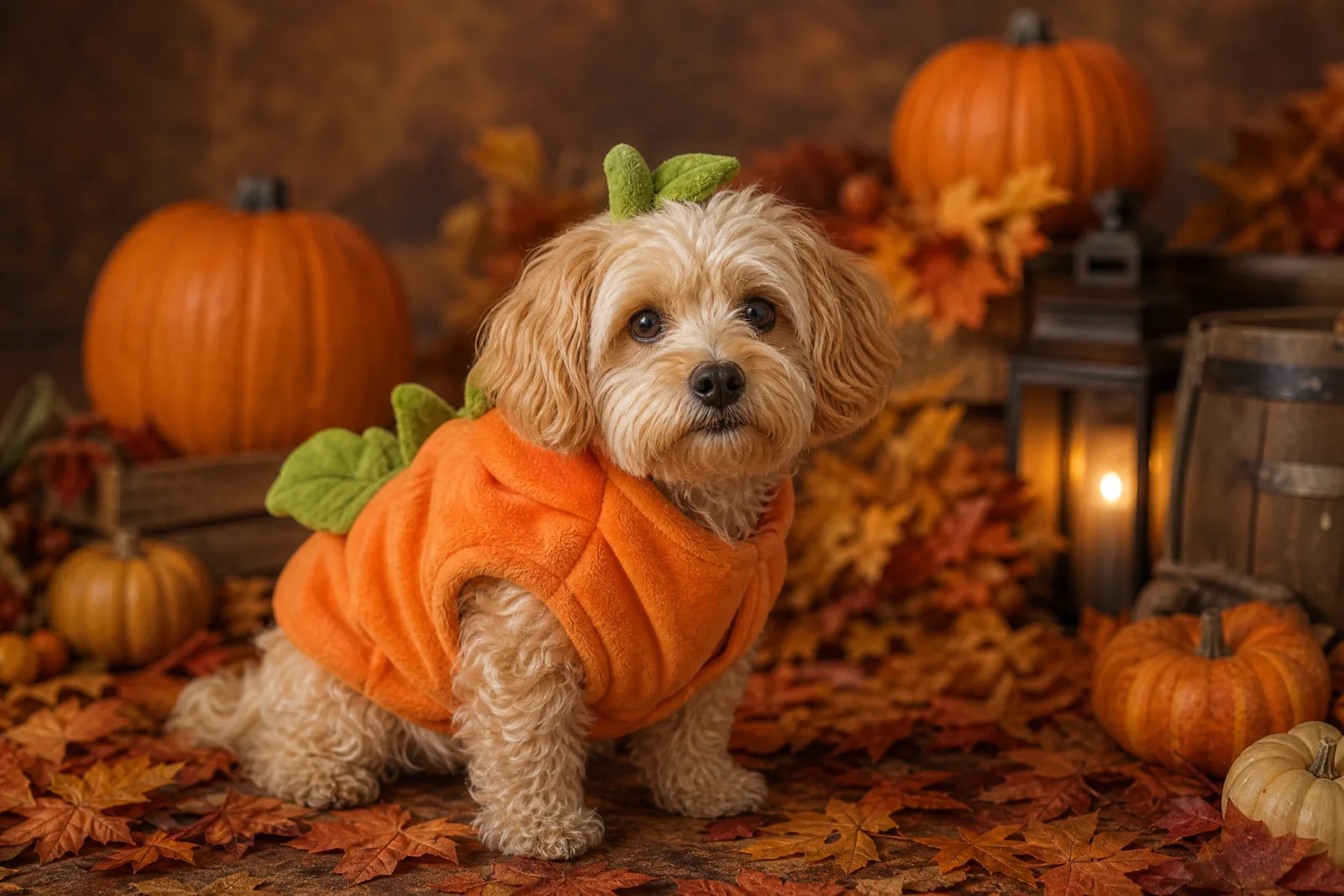
Pumpkin Pet
A soft pumpkin costume that keeps the pet comfortable.
Try this look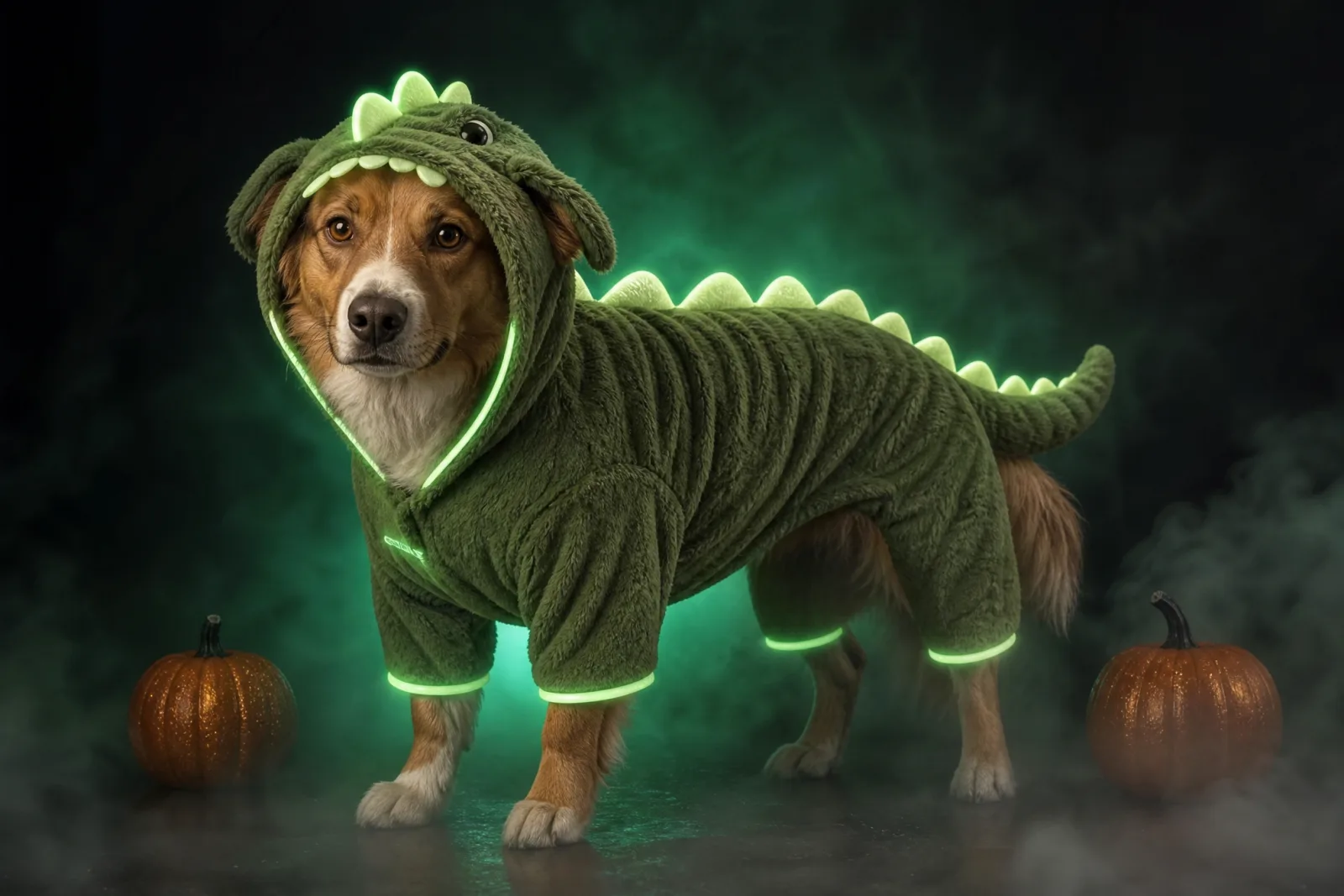
Glow Dinosaur
A plush glow-in-the-dark dinosaur suit for pets.
Try this lookPumpkin Pet is the warm, daylight look: a soft pumpkin costume, a small leaf accessory, a cozy autumn studio and miniature pumpkins. It is the safer first run because the costume is simple and the lighting is forgiving. Glow Dinosaur is the night-time look: a plush dinosaur suit with soft green spikes and a gentle luminous trim, shot in a dark studio with fog. The glow is the effect, so the prompt has to protect the fur and the eyes from turning into glowing shapes.
The photo to upload
- Face the camera. A head-on or slightly angled face keeps the eyes and markings visible.
- Show the whole head and chest. A costume sits on the body; a tight face crop gives the model nowhere to put it.
- Use natural light. A window or open shade is better than a flash that reflects in the eyes.
- Avoid a busy background. A sofa, a rug and a toy pile compete with the costume.
- Keep the collar visible. It gives the model a natural anchor for the costume neckline.
If your pet will not sit still, a slightly imperfect photo is fine. A sharp photo of a moving pet is better than a blurry photo of a still one.
The prompt protections that matter
A pet prompt needs four protections:
- Species and breed. "Preserve the animal's original breed" prevents a dog from becoming a generic fox or a cat from becoming a kitten.
- Markings. "Preserve fur color and distinctive markings" protects the patches, stripes and white socks that make the animal recognizable.
- Eyes. "Do not cover the eyes" is both an aesthetic rule and a safety cue for the real costume.
- Anatomy. "Avoid extra animals, unnatural paws and duplicated limbs" addresses the most common failures.
The costume description comes after those four. Name the garment, the fabric, the fit and one accessory. A pumpkin suit with a leaf, a dinosaur suit with soft spikes and a hood. Simple costumes render more reliably than elaborate ones.
Common failures and fixes
The animal changes breed. The source photo may be ambiguous, or the prompt may describe a different animal. Add the breed and the markings to the first sentence.
The costume covers the face. The model may interpret a hood as a full head covering. Add "the costume must not cover the eyes" and "keep the face visible".
Extra paws or a second animal. This is a composition failure. Simplify the scene, remove other animals from the prompt, and use a plain studio background.
The glow takes over. For the dinosaur look, say "soft green glow" and "natural fur texture". Without those limits, the whole animal can become a glowing silhouette.
The costume looks painted on. Ask for "realistic fabric texture", "natural folds" and "a fitted pet costume". A costume that sits on the fur reads as real; one that merges with the body does not.
Real costume safety
The generated image is a preview, not a product recommendation. If you buy a physical costume, check the fit around the neck, chest and legs. Make sure the animal can breathe, see, hear and move normally. Remove any small parts that could be chewed off. Never leave a pet in a costume unattended, and take it off if the animal shows stress.
A Halloween photo does not require a real costume. For many pets, a bandana or a simple collar accessory is safer and still photographs well.
Cost and iteration
One image run costs 8 credits on the default lane. The 100-credit pack is $9.90, which covers about twelve runs. The workbench shows the cost before you submit, and the pricing page lists every lane.
Pet portraits usually need two or three runs: one to check the identity, one to fix the costume, one to improve the light. Change one sentence at a time. If the first run already looks like your pet, stop and animate it instead of chasing a perfect studio shot.
From portrait to clip
The AI Halloween video generator can animate the finished portrait. Use the pet motion preset or write a small brief: "a small head tilt toward the camera, one ear twitch, two tail wags, the costume stays fitted". Keep the camera still. A five-second clip is enough for a social post, and the video workbench shows its per-second cost before you generate.
For the human, couple and makeup looks, open the Halloween hub.