

Editing is a different job from generating
A costume generator rebuilds the whole frame. A photo editor changes one part of it. That difference matters when the original photo is already good: the pose is natural, the expression is right, and the light falls on the face in a way you like. You do not want a new person. You want the same person in a different costume, or with skeleton makeup, or standing in a foggy garden instead of a kitchen.
The workbench supports both jobs through the same image-to-image tab. The prompt decides the scope. If the prompt describes a full scene, you get a full rebuild. If the prompt describes one change and explicitly protects everything else, you get an edit.
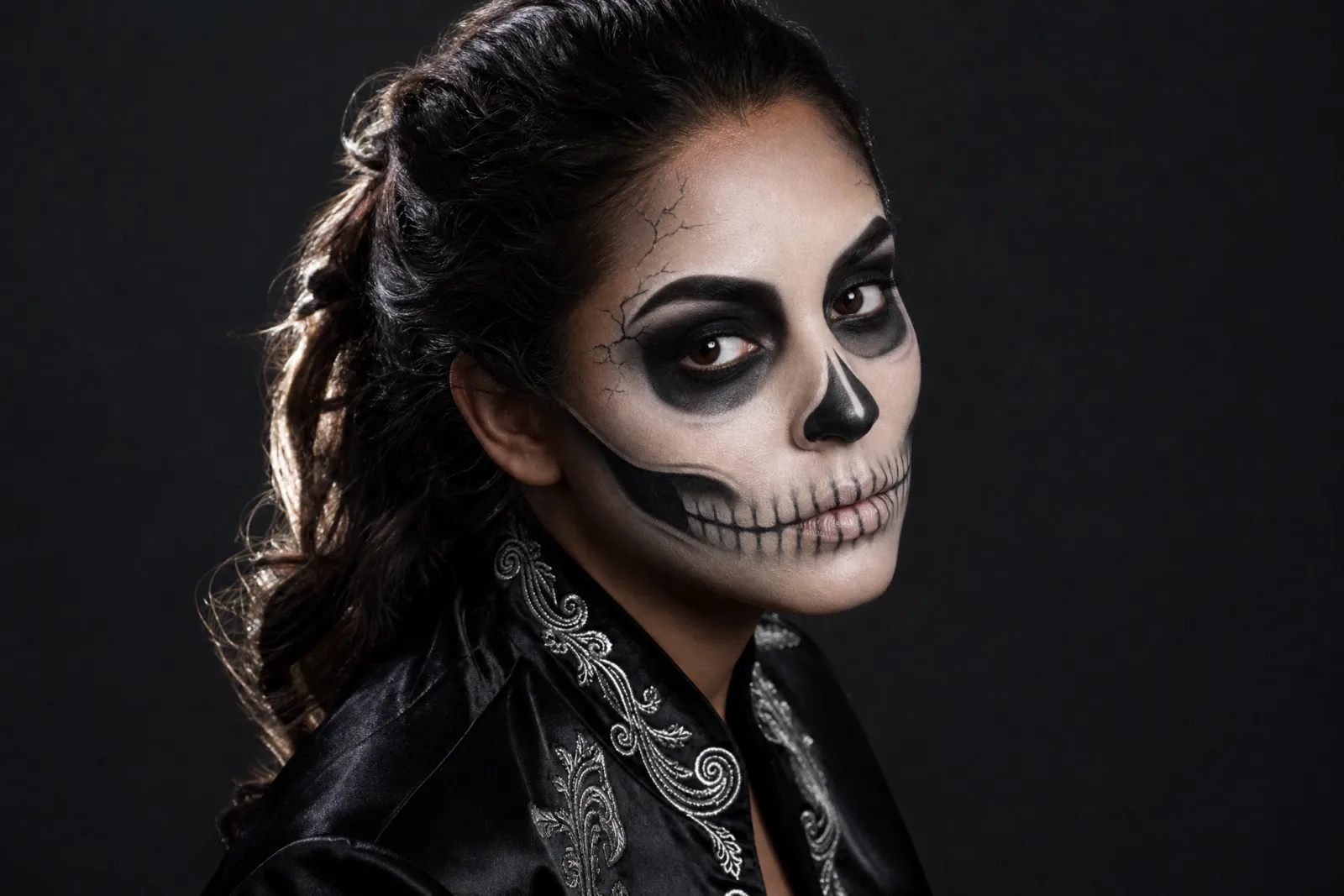
Skeleton Glam
Graphic skeleton makeup that still reads as a human face.
Try this look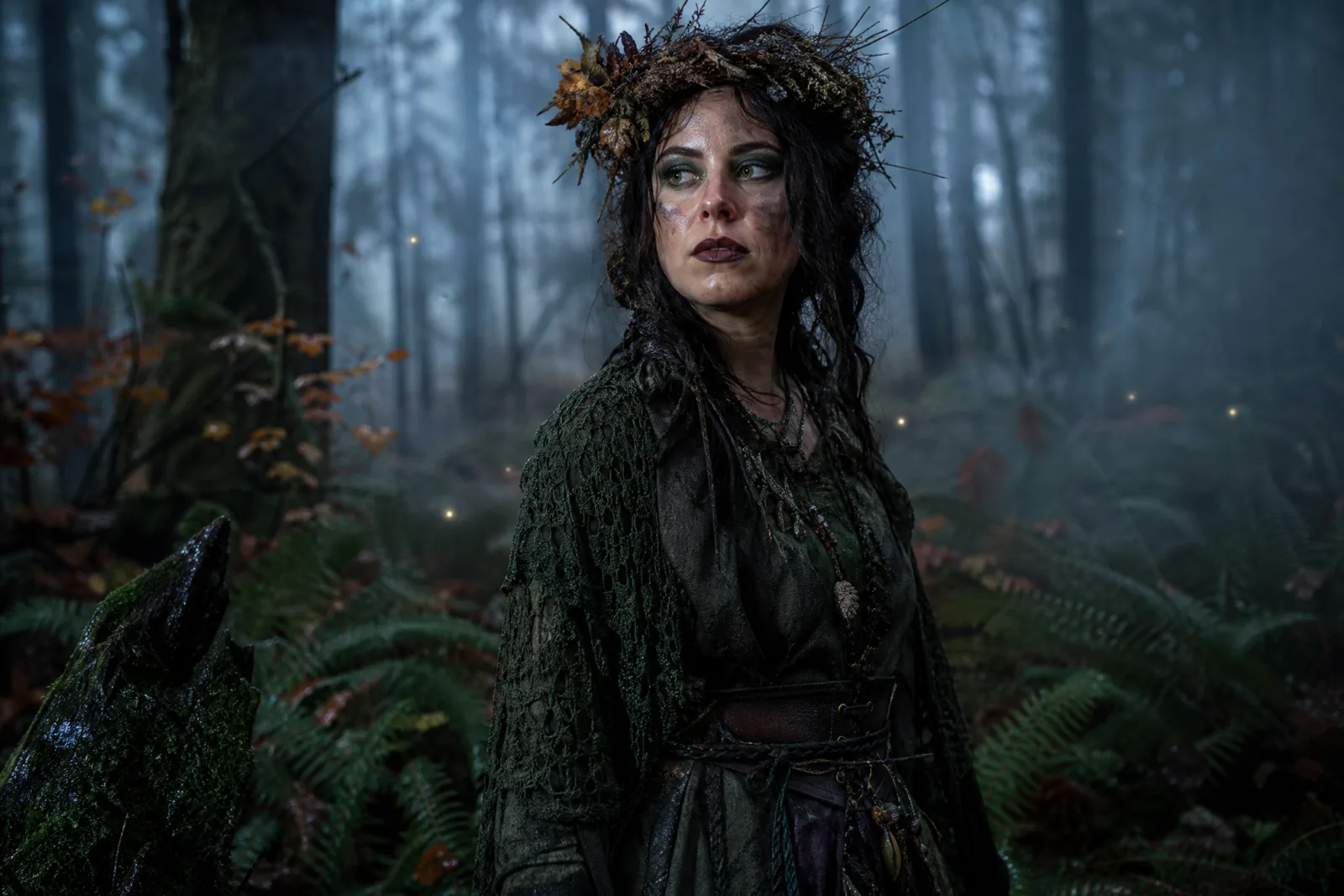
Forest Witch
Moss-green layers, twig crown and a damp autumn forest.
Try this look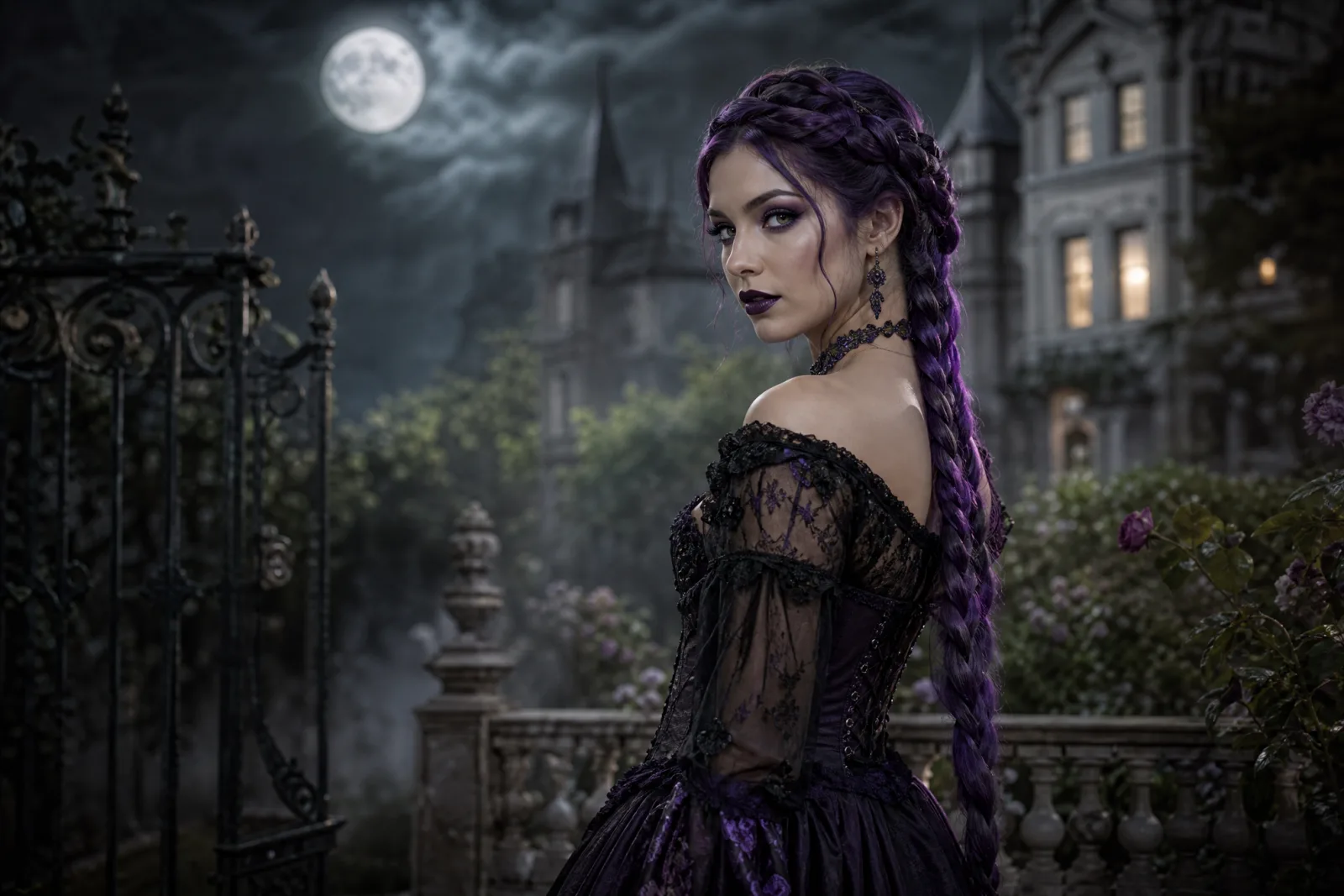
Midnight Braids
Violet braids, black lace and a moonlit Victorian garden.
Try this look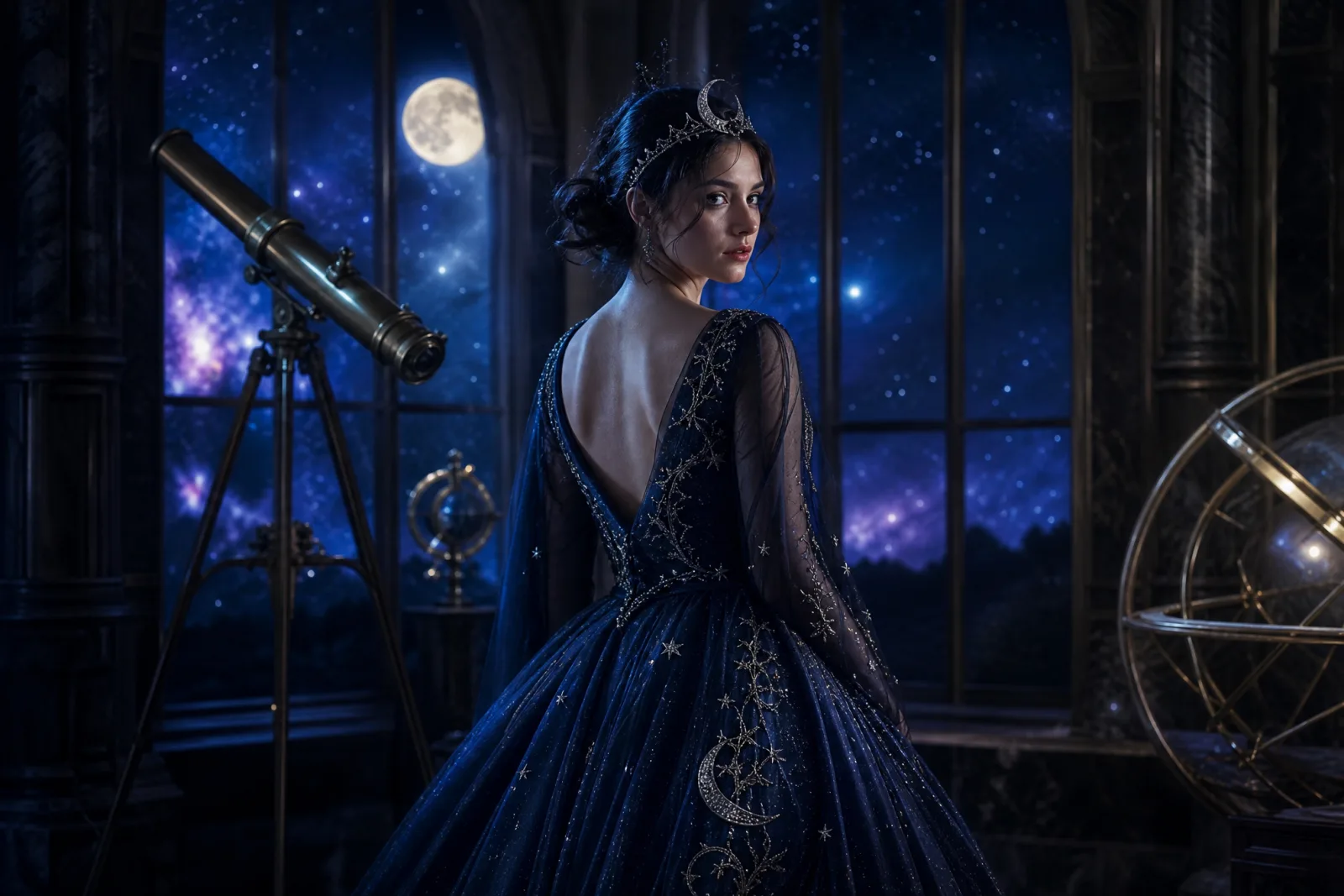
Cosmic Princess
A midnight-blue gown, silver crown and a starry observatory.
Try this lookThe three edits people actually want
Costume swap
This is the most common request: keep the face and the pose, replace the clothes. The useful prompt names the new garment, the fabric, the color and the accessories, then says "preserve the original pose, body proportions and framing". Without the preservation sentence, the model may also change the camera angle.
Makeup try-on
Makeup edits are more delicate than costume edits because the model is working directly on the face. A good makeup prompt names the base, the eyes, the lips and one or two graphic details. It also says what not to change: the face shape, the eye color and the skin texture. The Halloween makeup generator goes deeper on this workflow.
Background and light
Replacing the background is the easiest edit to evaluate, because the face and the costume stay put. The prompt should describe the new scene and the light direction. "Moonlit Victorian garden, soft fog, cool rim light from the left" is enough. If the original photo was shot in daylight, the model has to relight the subject; expect a second run to get the skin tone right.
A prompt you can cut down
The presets in the starter are full recipes. To turn one into a single-purpose edit, remove the sections you do not need:
- Keep: the identity sentence, the "keep the same number of people" sentence, the avoid list.
- Change: the wardrobe sentence, the makeup sentence, the scene sentence, the lighting sentence.
For example, a costume-only edit keeps the identity, wardrobe and avoid sections. A makeup-only edit keeps the identity and makeup sections, then adds "do not change the clothing, hairstyle or background". A background-only edit keeps the identity and scene sections, then adds "do not change the costume or makeup".
This is why the prompts are written as separate sentences rather than one paragraph. You can delete a sentence without breaking the rest.
What to check in the result
- The face. Compare the eyes, nose, jawline and apparent age. If the face drifts, shorten the prompt.
- The hands. Fingers and jewelry are the most common artifacts. Crop them out if they are not important.
- The seam between subject and background. Look for a halo, a floating hair edge or a shadow that does not match the new light.
- The costume details. Thin straps, lace and metallic trim can merge. A simpler garment renders more reliably.
- The overall color cast. A cool moonlight scene should not leave a warm orange face.
If two of those five are wrong, change one prompt sentence and run again. If all five are wrong, start from a different preset rather than stacking corrections.
When a full rebuild is better
Sometimes the original photo fights the edit. The pose hides the costume, the background is too busy, or the clothing has a silhouette that the model cannot remove. In that case, the AI Halloween costume generator is the better tool: it can rebuild the pose, the scene and the wardrobe together. The trade-off is that the result is further from the original photo.
A practical rule: if you want to recognize the photo, edit it. If you want to recognize the character, generate it.
Cost and iteration
One image run costs 8 credits on the default lane. The 100-credit pack is $9.90, which covers about twelve runs. There is no subscription attached to the pack, and the workbench shows the exact cost before you submit. The pricing page lists every lane.
Edit runs are cheaper to iterate than full rebuilds because you are changing less. A single-purpose edit often lands in one or two runs. A full costume rebuild usually needs three to five.
From edit to motion
A finished edit can become a five-second clip in the AI Halloween video generator. The safest motion is small: a head turn, a blink, hair moving, fog drifting, a slow push-in. Do not ask the video model to change the costume or the scene; it is animating the still, not rebuilding it. The Halloween AI prompts page includes motion prompts you can copy.
For the other looks in the collection, open the Halloween hub.